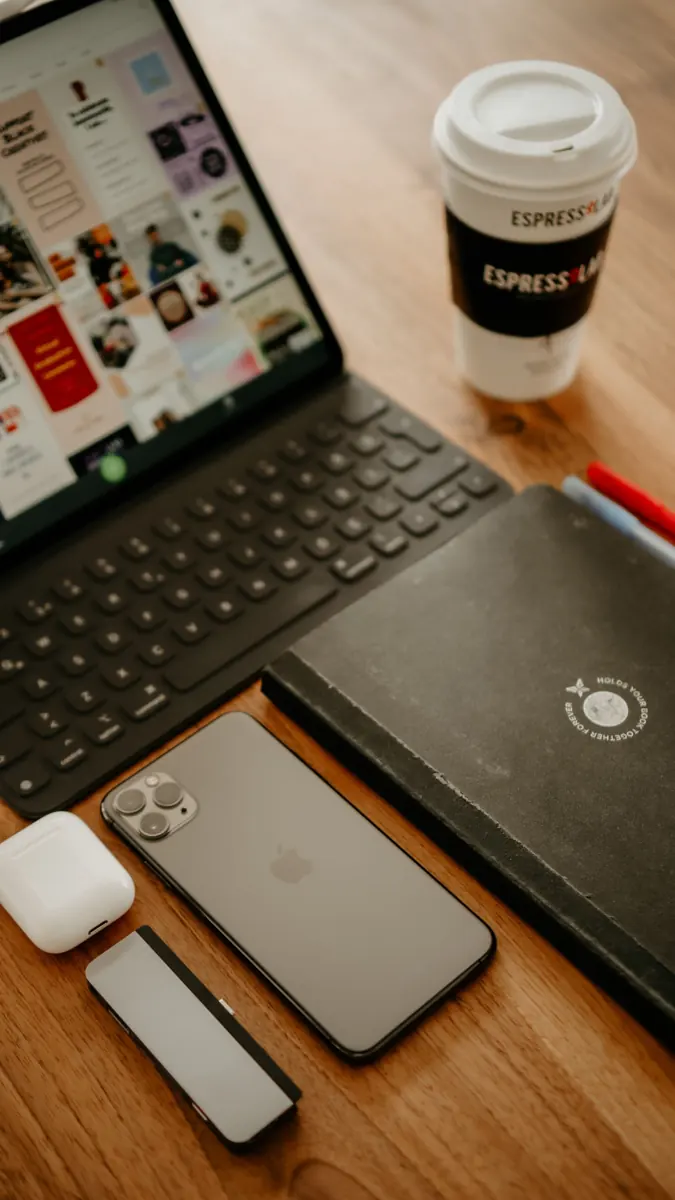
A calmer home office usually comes from fixing the small, repeated problems that pull your eye away from work: a charger that always sits across the keyboard, a stack of papers with no assigned place, and a wall of half-finished reminders. Hiding everything in a cabinet can make a desk look tidy for a photograph while leaving the same friction in place. The more reliable approach is to identify what keeps returning to the desk, sort it by how often you use it, and give each group a location that matches how you actually work.
Start with three days of real use, not a staged photograph
Photograph the desk at the end of three normal working days, without tidying first. Look for objects that appear again and again rather than judging each image on appearance. Repeated items reveal the real problems: a cable that always migrates, a mug that drifts toward the screen, or a notebook that never returns to the same spot.
Make a short list of three to five friction points. For example, “I search for the second charger every morning” or “papers from last week are mixed with current invoices.” Each entry should describe a behavior you can change. Removing everything before a photograph does not solve these problems, because the next working session will recreate them.
Sort materials into active, reference and archive groups
Most desk clutter comes from treating every document and object as equally urgent. A three-part sort clarifies the decision:
- Active: items you will use in the next work session. These stay within arm’s reach, ideally in a single tray or folder.
- Reference: material you consult occasionally, such as a style guide or a manual. A shelf or labeled drawer usually works.
- Archive: completed work or documents you keep for records. These belong outside the immediate desk area when possible.
If you juggle several projects, give each one a folder and open only the current one. Review the active tray at the end of each week. Completed tasks left in view tend to become permanent decoration, and that is where visual noise starts.
Reduce high-contrast objects at eye level
Sit in your normal working position and look at the wall, shelf and screen edges in front of you. A few small, bright or oddly shaped objects often feel busier than one larger item. Group useful things by function and leave uninterrupted space around them. Matching containers are less important than consistent placement: the same pen cup in the same corner is calmer than a set of mismatched boxes scattered across the desk.
Reminders deserve particular scrutiny. Keep a note on the wall only while it is actionable. Move longer-term ideas into a notebook or a digital list, where they can be reviewed without competing for attention every time you look up.
Route cables so they can be changed without moving furniture
Trace each cable from its device to its power source. Remove disconnected or duplicate cables first, since they often accumulate after upgrades. Leave enough slack for normal movement and avoid pinching cables under furniture legs or against the wall. A reusable tie is enough for a fixed run.
Power equipment needs ventilation, so avoid wrapping adapters tightly or burying them under papers or fabric. For cables you unplug often, keep the connection easy to reach rather than fixing it so firmly that changing a device becomes a larger job.
Choose open or closed storage by what you need to reach
Open storage suits items you retrieve several times a day and can return quickly. Closed storage reduces visual distraction, but a deep drawer without internal divisions may simply hide the same confusion. Before buying a cabinet, measure the items you plan to store and the clearance needed to open its doors or drawers.
| Item type | Usually better in | Watch for |
|---|---|---|
| Current notebook, pen, active folder | Open tray within reach | Piles that grow beyond the tray |
| Spare chargers, adapters | Labeled closed box or drawer | Forgotten items that never get used |
| Manuals, reference binders | Shelf or closed cabinet | Dusty material you no longer need |
| Completed or archived files | Storage outside the desk zone | Returning them to the desk “just for now” |
Illustrative example
Suppose a freelance editor shares a small bedroom with a bed and a wardrobe. Her desk collects a laptop charger, a headset, unpaid invoices and client notes. She assigns the laptop charger to a hook under the shelf, puts current client files in one shallow tray, moves invoices into a labeled folder kept in the wardrobe, and stores spare cables in a lidded box. The desk looks only slightly different, but she no longer searches for the charger or clears papers before opening her laptop.
Decide what can remain visible after work
In a living room or bedroom, separate the objects that must disappear after work from those that can stay. A lidded box for work-only equipment may be more practical than a second desk. Build a short closing routine: save files, place loose papers in the current-project folder, and leave the next task visible at the top of the tray. This reduces the feeling of unfinished work when you walk away from the desk.
If another person shares the space, agree which surface stays available. A calm room depends partly on predictable access, not only on color or styling.
Common mistakes to avoid
- Buying storage before sorting. Containers can absorb clutter without deciding what the clutter is for.
- Hiding active tools. If you must open a cabinet to reach something every day, you will leave it out.
- Using one deep bin for everything. Without dividers, small items disappear and become harder to find.
- Optimizing for photographs. A staged desk can hide cables and papers that will return the next morning.
Limitations of this approach
This is a planning method, not a guarantee of a calm workspace. Some rooms have fixed constraints, such as a window that blocks the only wall, or a shared household that uses the desk for other tasks. Cable and equipment advice also depends on your devices and their manufacturer instructions. Where a power adapter or electrical fitting is involved, follow the device guidance and avoid improvised arrangements that restrict airflow.
Try one change for a week
Change one friction point at a time and use the room normally. Note how often you search for an item, move something out of the way, or postpone resetting the desk at the end of the day. Keep changes that remove those small interruptions and undo arrangements that look attractive but make the work harder. Only after the basic routines work should you consider new shelves, lighting or furniture.
Questions to ask before you buy anything
- Which object do I reach for most often, and where does it currently live?
- Does this storage reduce steps during a normal working session?
- Can I return the desk to a clear state in under five minutes?
Continue reading
- A Desk Setup for Writing, Video Calls and Editing in One Small Space
- Small Home Upgrades for Easier Hosting: Entryway, Seating and Light
- Best Notebooks and Planning Tools for Public-Facing Work
Cover: Pexels photograph, used as an editorial illustration. Stock models and products shown do not imply endorsement or independent product testing. Image license.